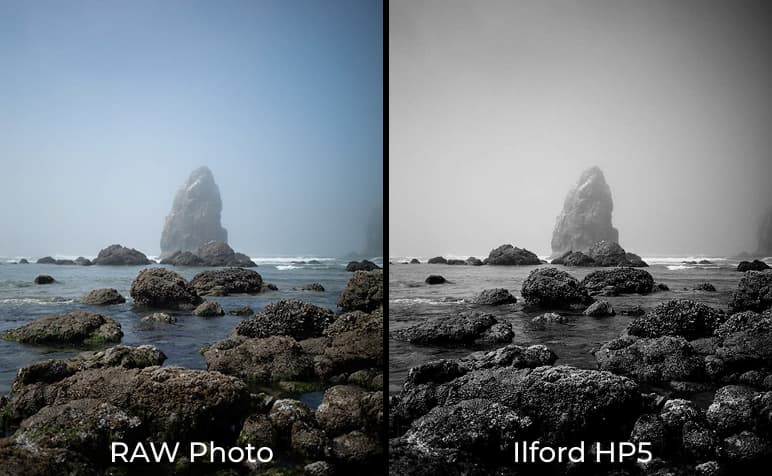
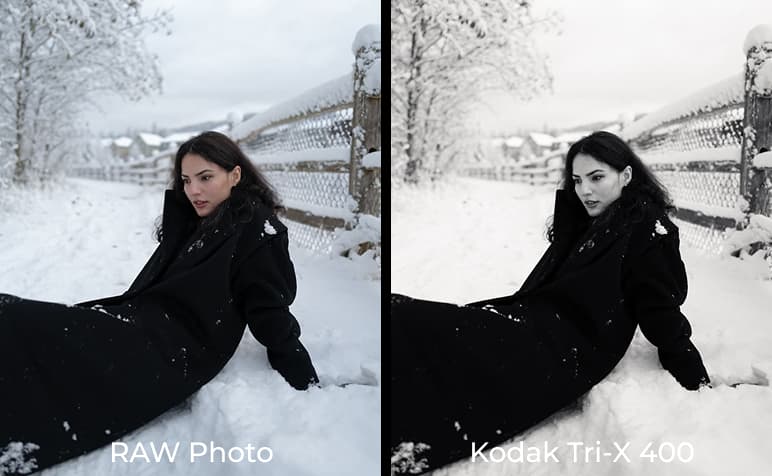
Film Emulation Presets
Capture the rich, iconic look of vintage film—now at your fingertips with advanced, easy-to-use digital presets.
Developed by harrysohalphoto
Capture the rich, iconic look of vintage film—now at your fingertips with advanced, easy-to-use digital presets.
Developed by harrysohalphoto
Capture the rich, iconic look of vintage film—now at your fingertips with advanced, easy-to-use digital presets.
Developed by @harrysohalphoto
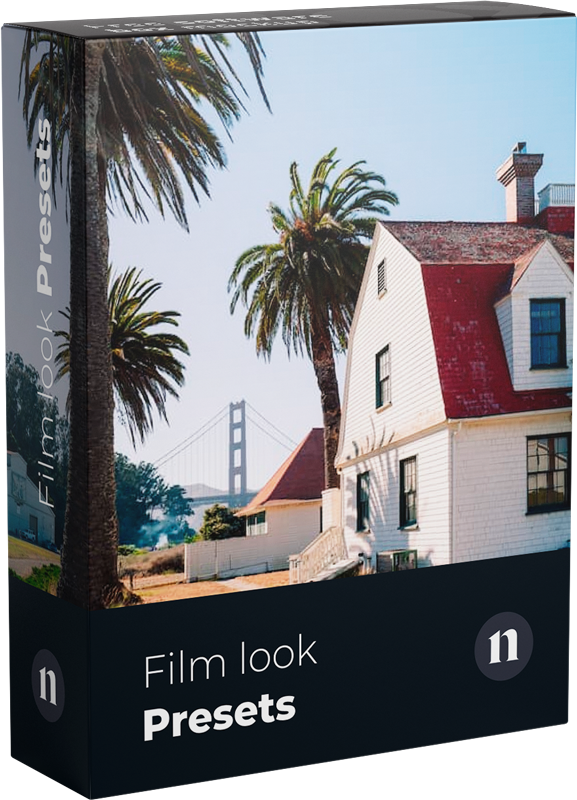
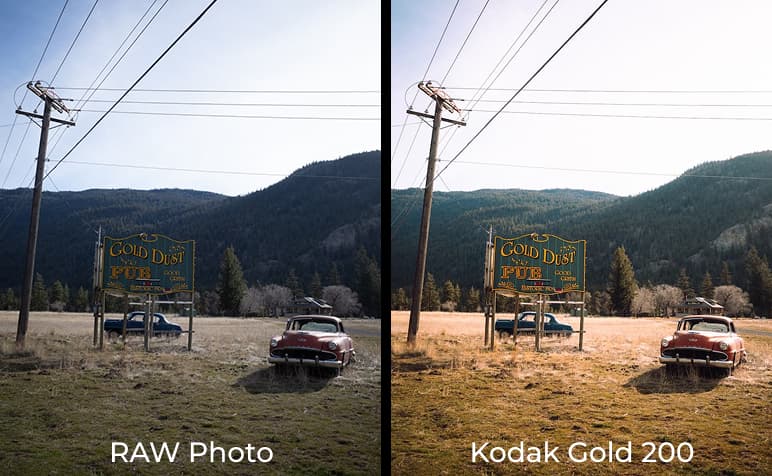
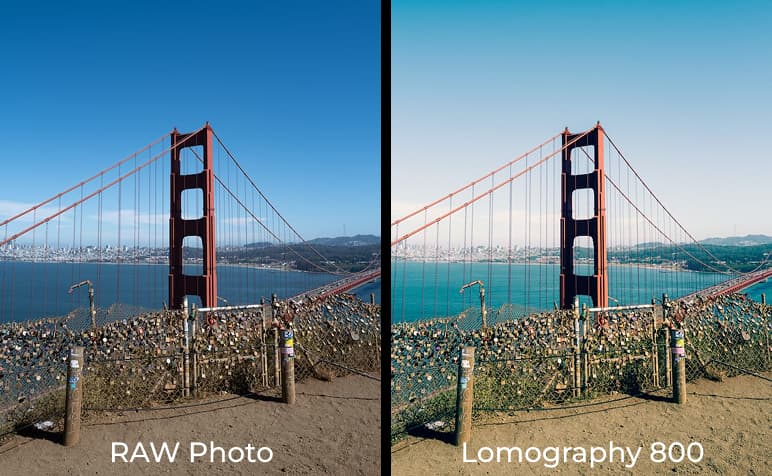
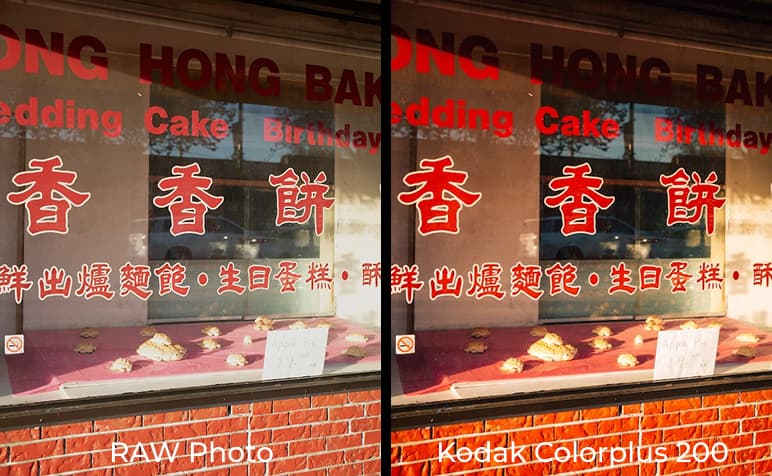
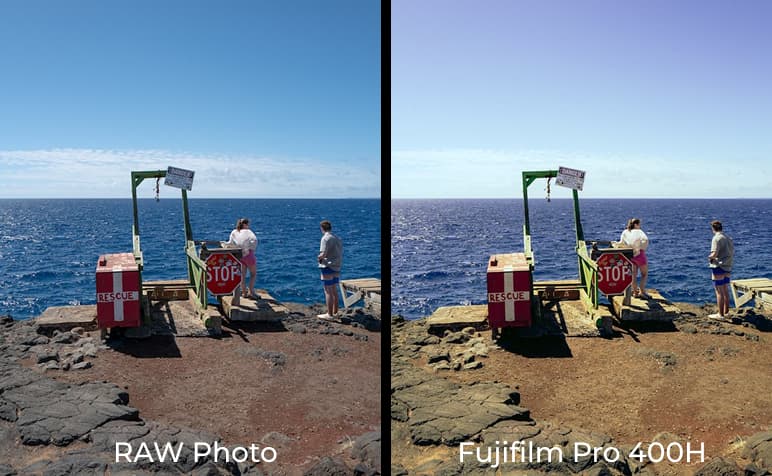
This preset collection is a tribute to some of my all-time favorite film stocks. Whether you’re out shooting wide landscapes or candid street moments, this pack is built to emulate that timeless film look with ease. Most presets here are one-click ready, but make sure to set your white balance first to get the most accurate, film-like tones. That small step goes a long way.
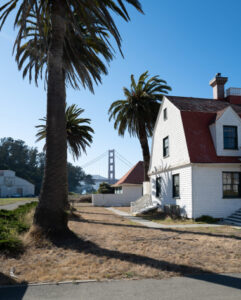
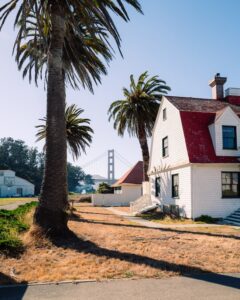
Lomography 800
A wildcard. Grainy, funky, and full of character. Think saturated shadows and punchy midtones that are best for night shots or when you want that imperfect, artsy feel.
When scanning film, different scanners (like Noritsu or Fuji Frontier) will render slight color shifts and contrast levels. So instead of building complex push/pull variations (which are hard to replicate accurately in digital), I’ve added tools that give you flexible control while preserving the essence of each stock.
This pack was made to help you edit with intention, but not get stuck in the weeds. It’s for creators who want that analog vibe without spending hours tweaking. Landscape photographers, street shooters, and everyday storytellers – this one’s for you.
Film presets are designed to emulate the unique qualities of analog film photography, such as grain, contrast, and color shifts, which give images a vintage, nostalgic feel. These presets are typically more nuanced and seek to replicate the warmth and texture of various film stocks, unlike regular presets that may focus purely on enhancing colors or light.
Yes, the intensity of the film effects can be adjusted. Most presets allow you to fine-tune settings like grain, contrast, and tone curves to match your desired look. This flexibility ensures that the film aesthetic can be tailored to suit different images.
Yes, the presets are designed to work on both color and black-and-white photos. While some film presets are specialized for one or the other, many include variations that adjust to either format, providing unique filmic effects based on the type of image you are working with.
These presets are compatible with Adobe Lightroom Classic, Lightroom CC, and Adobe Photoshop via Adobe Camera Raw (ACR). They work with the latest versions, ensuring smooth integration with current editing tools.
While these presets are specifically designed for photo editing in Lightroom and Photoshop, they are not directly usable in video editing software. However, similar film looks can be achieved in video by using LUTs (Look-Up Tables), which can be applied in software like Adobe Premiere Pro, DaVinci Resolve, or Final Cut Pro. If you’re interested, we may consider developing LUTs to complement the photo presets for video use.